
Flippy Cursor
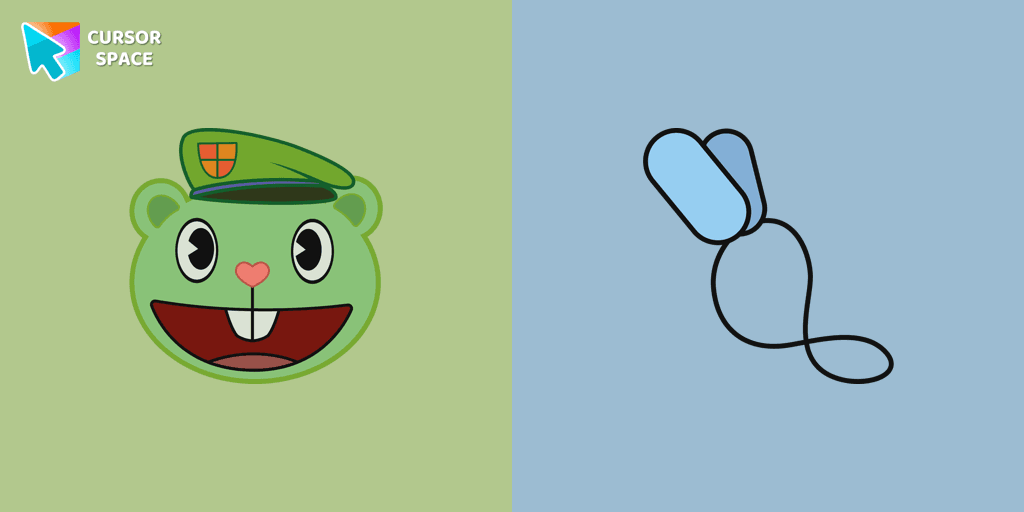
Cursors in the pack
Description
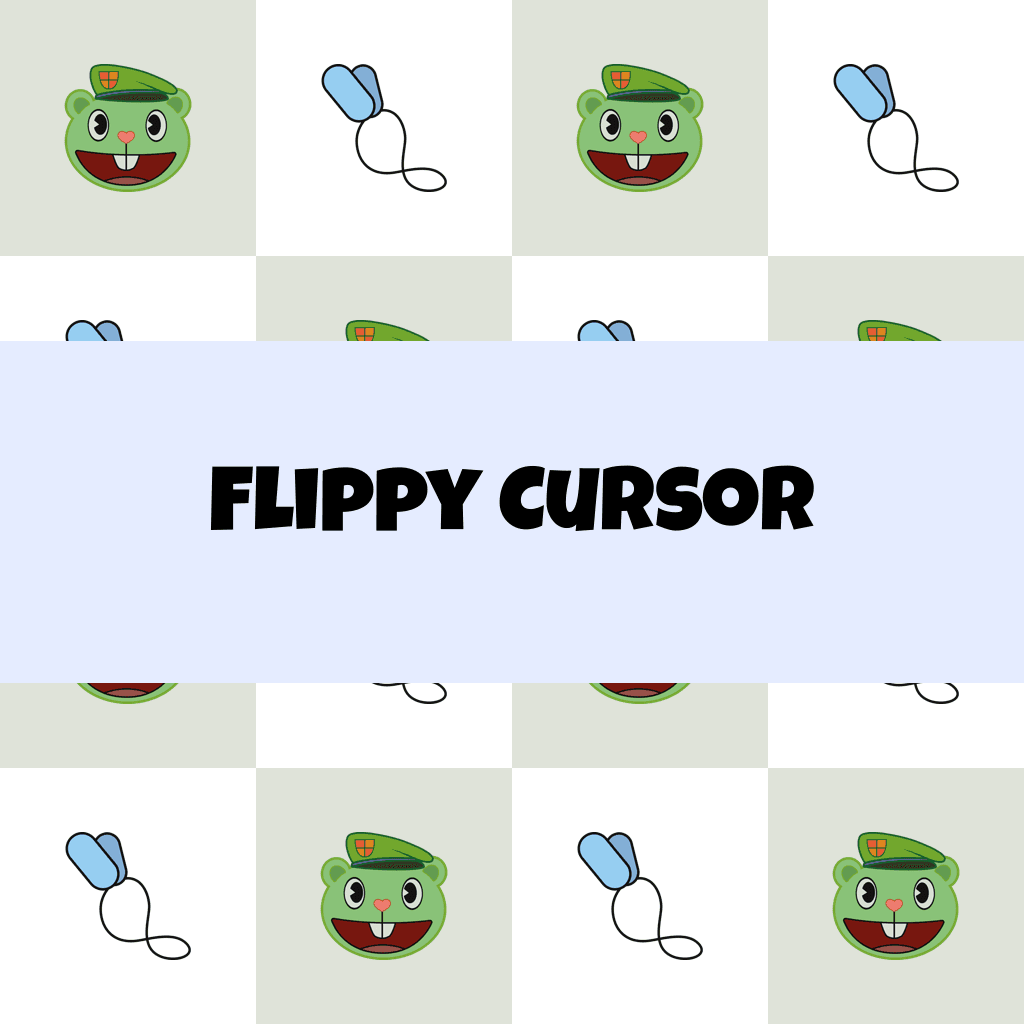
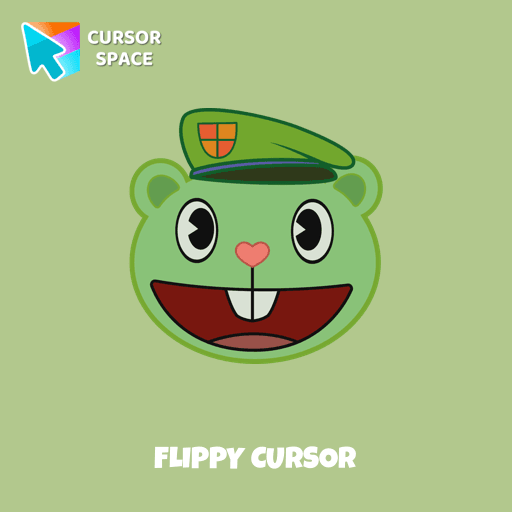
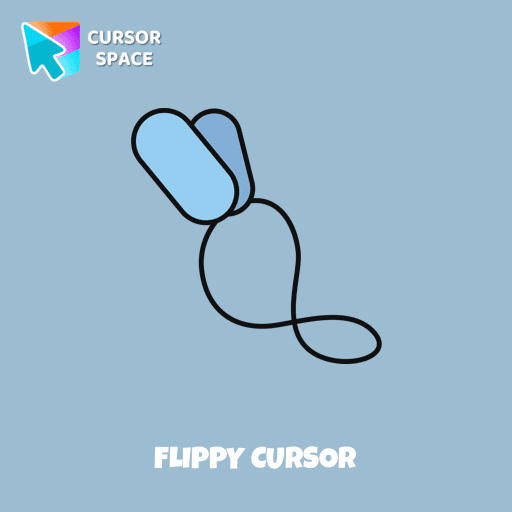
Flippy, the mentally traumatized war veteran bear from Happy Tree Friends, is a character that captures the hearts of fans worldwide. With his contrasting personalities and instantly triggered rage, Flippy offers a fascinating exploration of the effects of war trauma. Embrace the essence of Flippy by opting for the Flippy custom cursor from our collection, transforming your default mouse pointer into a recognizable symbol of the Happy Tree Friends universe. Let Flippy's distinctive persona make your browsing experience just a little more extraordinary.
What's included in the package
- Default Cursor
- Pointer (Hand)
How to install a custom cursor pack Flippy Cursor
Install the Cursor Space extension for Chrome or Cursor Space for Edge in your browser.
On this page, click "Add this cursor pack to the extension".
Open the extension and go to the Packs tab.
Find the custom cursor pack "Flippy cursor" and click it.
Enjoy!
Ready to install?
Get this cursor pack and thousands of others by installing our extension. It's fast and free!
About this cursor pack
Flippy Cursor is a themed cursor pack you can add to your browser to personalize your pointer across common cursor states (default and pointer). Use it for everyday browsing, streaming, studying, or gaming-anywhere you want your cursor to match your vibe.
Instant preview
See how the cursors look before installing.
Easy install
Add the pack to the extension in a few clicks.
Works in your browser
Designed for Chrome and Edge via the extension.
FAQ
Quick answers to common questions about cursor packs, collections, and installation.
Do I need an extension?
Which browsers are supported?
How do I switch back to the default cursor?
Collection hits
Installation leaders from "Happy Tree Friends": free packs, neon/anime/pixel art, quick add to Chrome and Edge.
- TOP 1
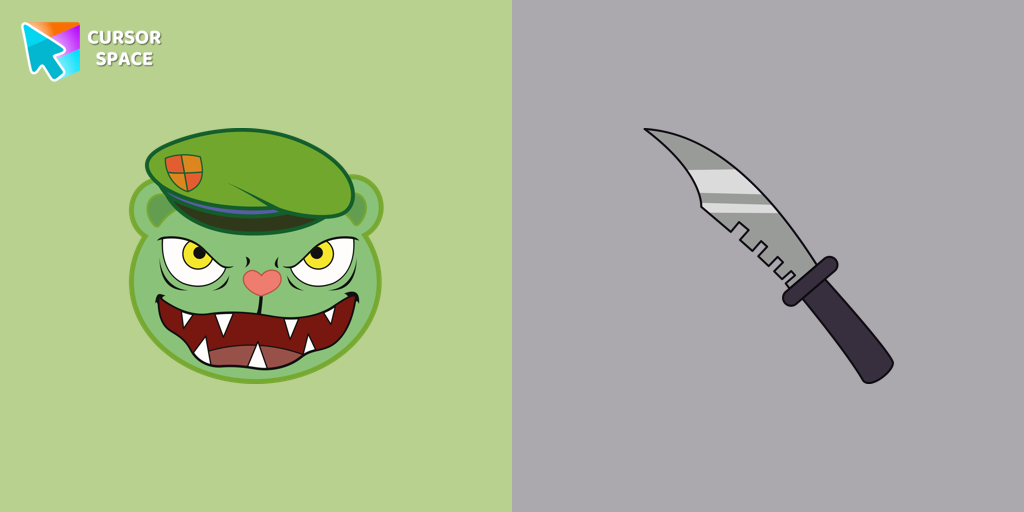
Fliqpy cursor
(3.4k)FreeFliqpy custom cursor for Google Chrome brings the dark side of Happy Tree Friends to your screen, featuring his weapon as a hover pointer for a sinister touch.
- TOP 2
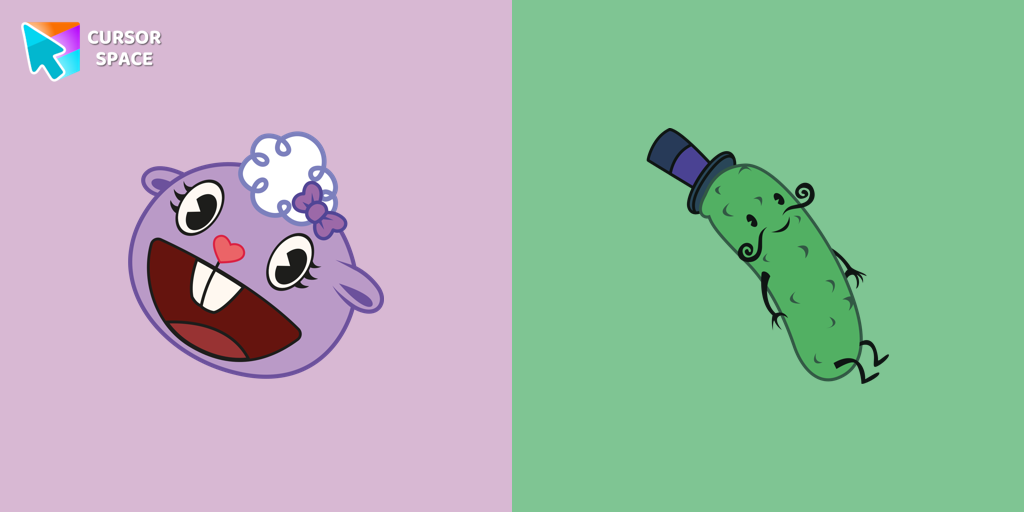
Lammy cursor
(132)FreeLammy, a purple sheep with wooly white hair and tail fur, dons a cozy white sweater and a small purple bow in her hair. Her best friend...
- TOP 3
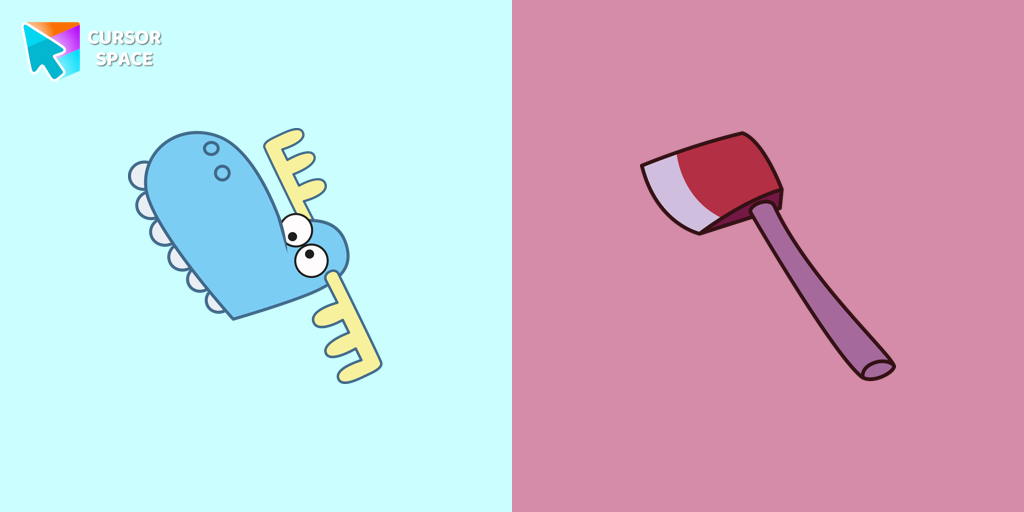
Lumpy cursor
(123)FreeLumpy, a dim-witted blue moose from Happy Tree Friends, is a main character featured in almost every episode. Try a fun custom cursor or custom cursor for Google Chrome.
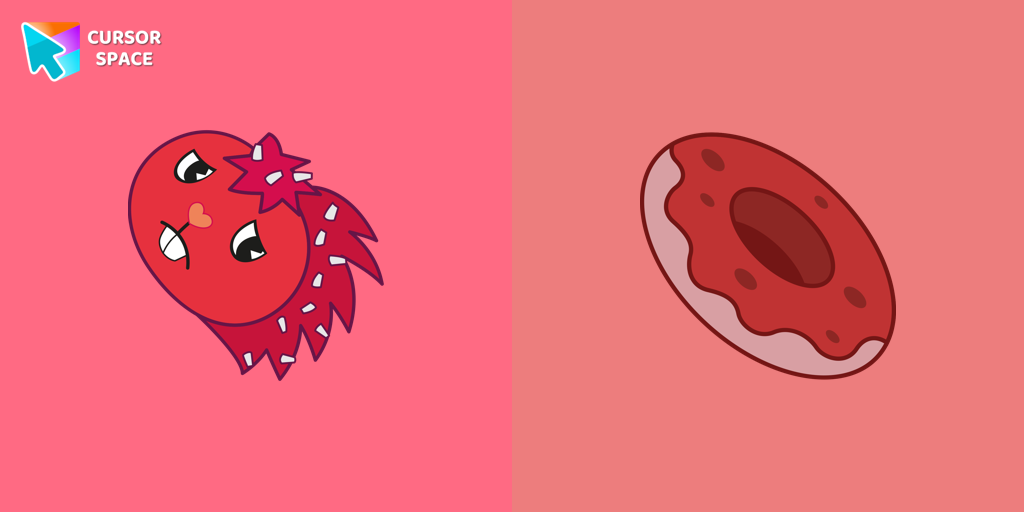
Flaky cursor
(121)FreeFlaky, a popular character in the Happy Tree Friends series, is a red porcupine with quills resembling white flakes
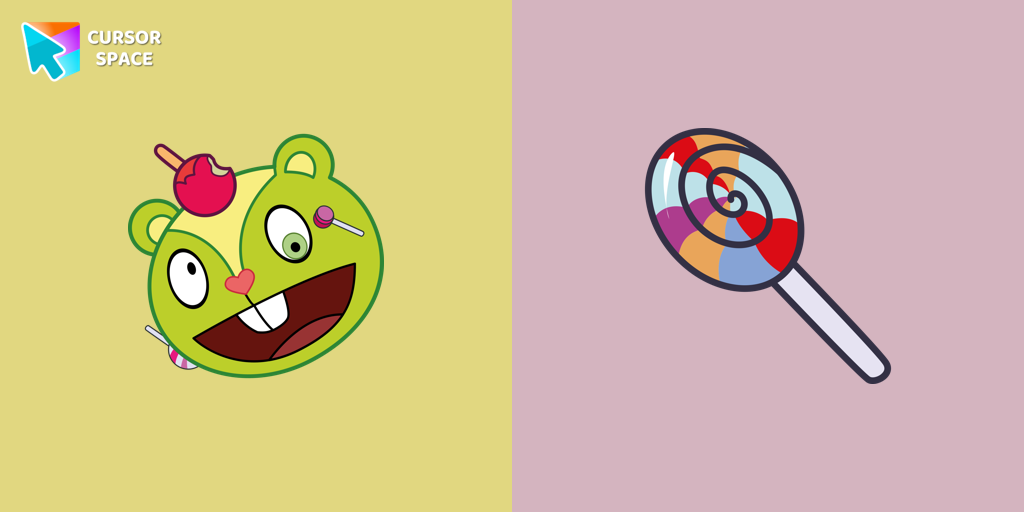
Nutty cursor
(114)FreeNutty from Happy Tree Friends is a hyperactive character with a sweet obsession. Get the Nutty custom cursor for Google Chrome with a candy wand pointer for a fun touch.
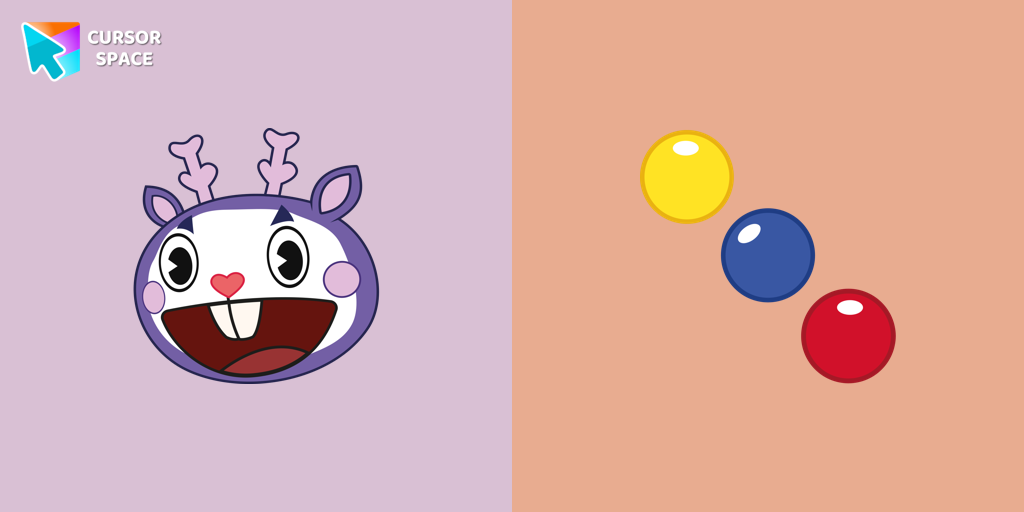
Mime cursor
(107)FreeMime, the purple deer character from Happy Tree Friends, is known for communicating solely through gestures.
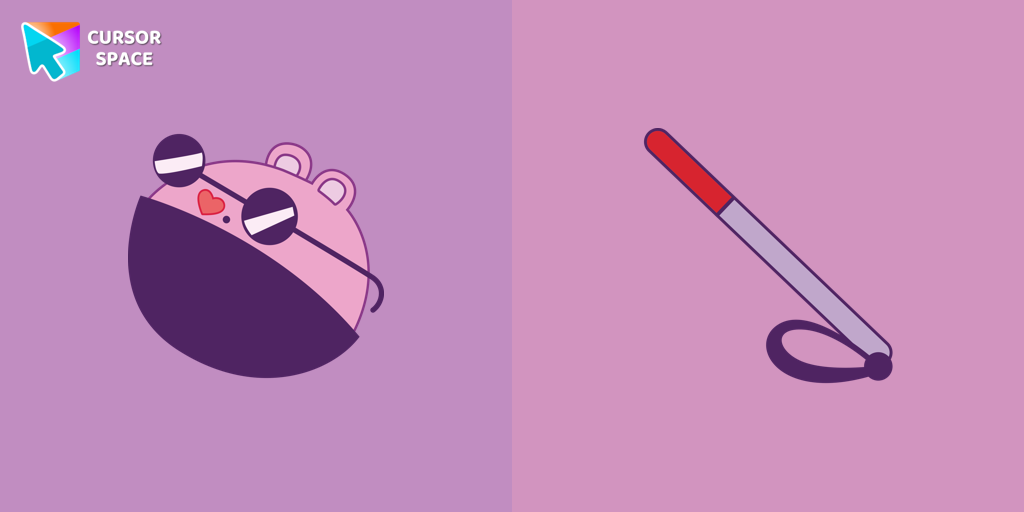
The Mole cursor
(73)FreeThe Mole custom cursor for Google Chrome adds a fun and quirky touch to your browsing. Inspired by a small mole, it brings a playful alternative to the default cursor.

Petunia cursor
(64)FreeThe Petunia cursor features a blue skunk character with a unique appearance. She has a blue arrow on her head and a pink flower on top.

Truffles cursor
(55)FreeTruffles is a gray-blue boar from Happy Tree Friends. Get a custom cursor for Google Chrome featuring Truffles and his hoof from the Happy Tree Friends cursor set.
Install Cursor Space - A Collection of Custom Cursors for Chrome & Edge
Add packs instantly and unlock access to thousands of cursors: neon, anime, pixel-art, and more. Fast, safe, and free.
- Free cursor packs
- HD/HiDPI & animated icons
- Quick browser installation
Cursor Space is an extension for changing your mouse cursor in Chrome and Edge browsers: themed collections, HiDPI icons, neon, animated, and pixel cursors, with quick installation.